 Timber
Simple
One folder. JSON files instead of MySQL. Back up by copying a directory. Move hosts by copying a directory.
Open source · PHP · No database · v1
Timber is a WordPress alternative made by indies, for indies. Pages, posts, forms, SEO, privacy tools, email and a visual Playground — built in, in plain PHP. No database. No build step.
Free & open source. PHP 8.1+ · runs on localhost and just about any PHP server.
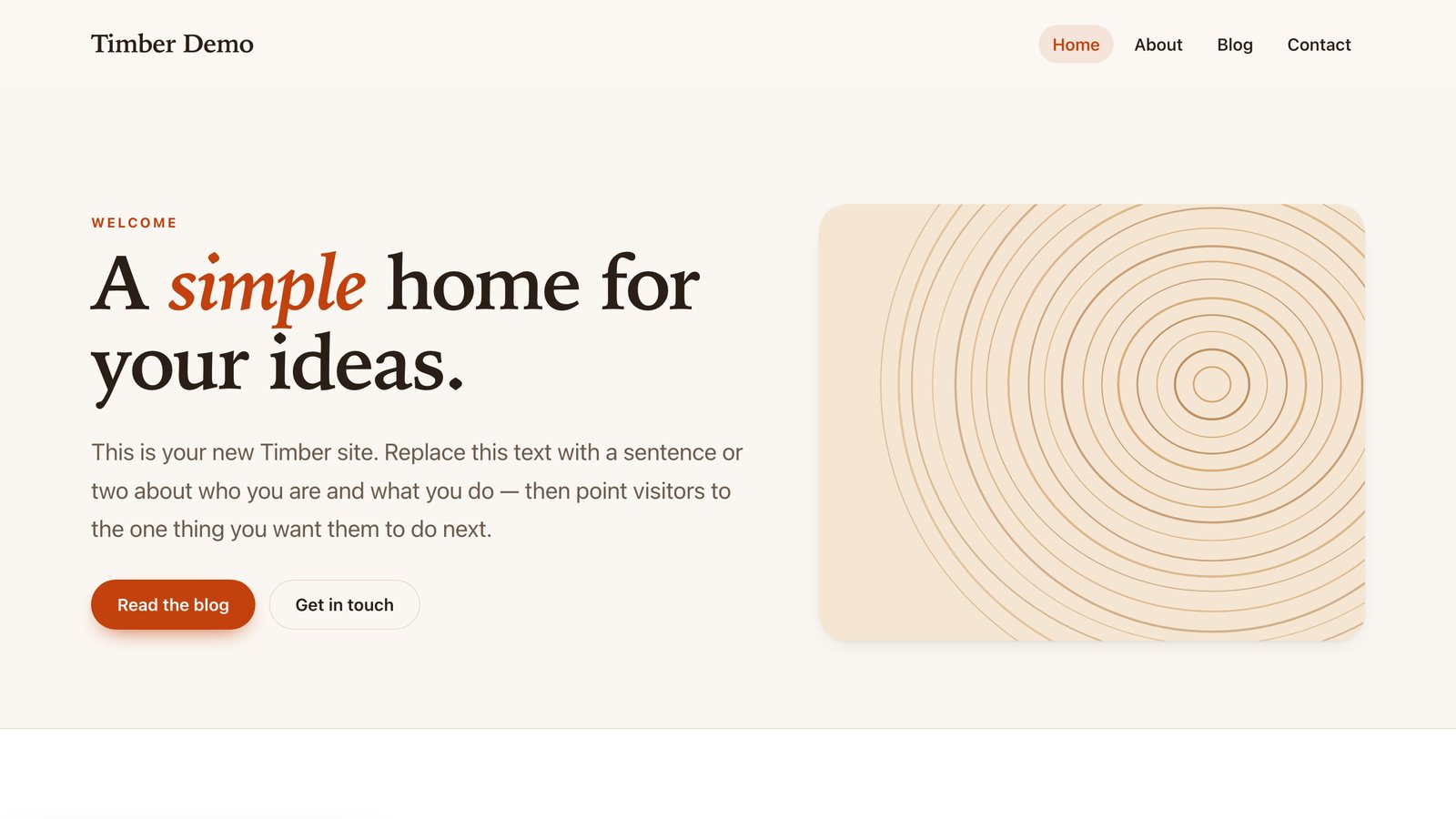
How easy is it?
No database to create, no installer to fight, no toolchain to learn. If your server runs PHP, it runs Timber.
Why Timber?
You want a real admin — without a database server, a plugin for every feature, or a build pipeline. Timber starts from the least machinery that gives a small site a proper CMS.
One folder. JSON files instead of MySQL. Back up by copying a directory. Move hosts by copying a directory.
Server-rendered pages, system fonts, no third-party requests, and roughly 50–60 KB gzipped for a starter page, before images.
Forms, SEO, redirects, cookie consent, email, maintenance mode, a media library and a code editor — the things you'd install five plugins for.
| WordPress | Timber | |
|---|---|---|
| Storage | MySQL / MariaDB | JSON files — no database |
| Install | Database, credentials, config, installer | Upload, open, answer three questions |
| Forms, SEO, redirects, cookie consent | Plugins | Built in |
| Back up & move | Database dump + files | Copy the folder |
| Try a redesign | Staging site or plugin | The Playground: private versions |
Honest about trade-offs: for big editorial teams, e-commerce or plugin-heavy sites, WordPress is still the better fit. Read the fair comparison →
Looks great out of the box
Run several designs of your site side by side in the Playground, share a private preview link, then press Make live. Same pages, posts and menus — different look.
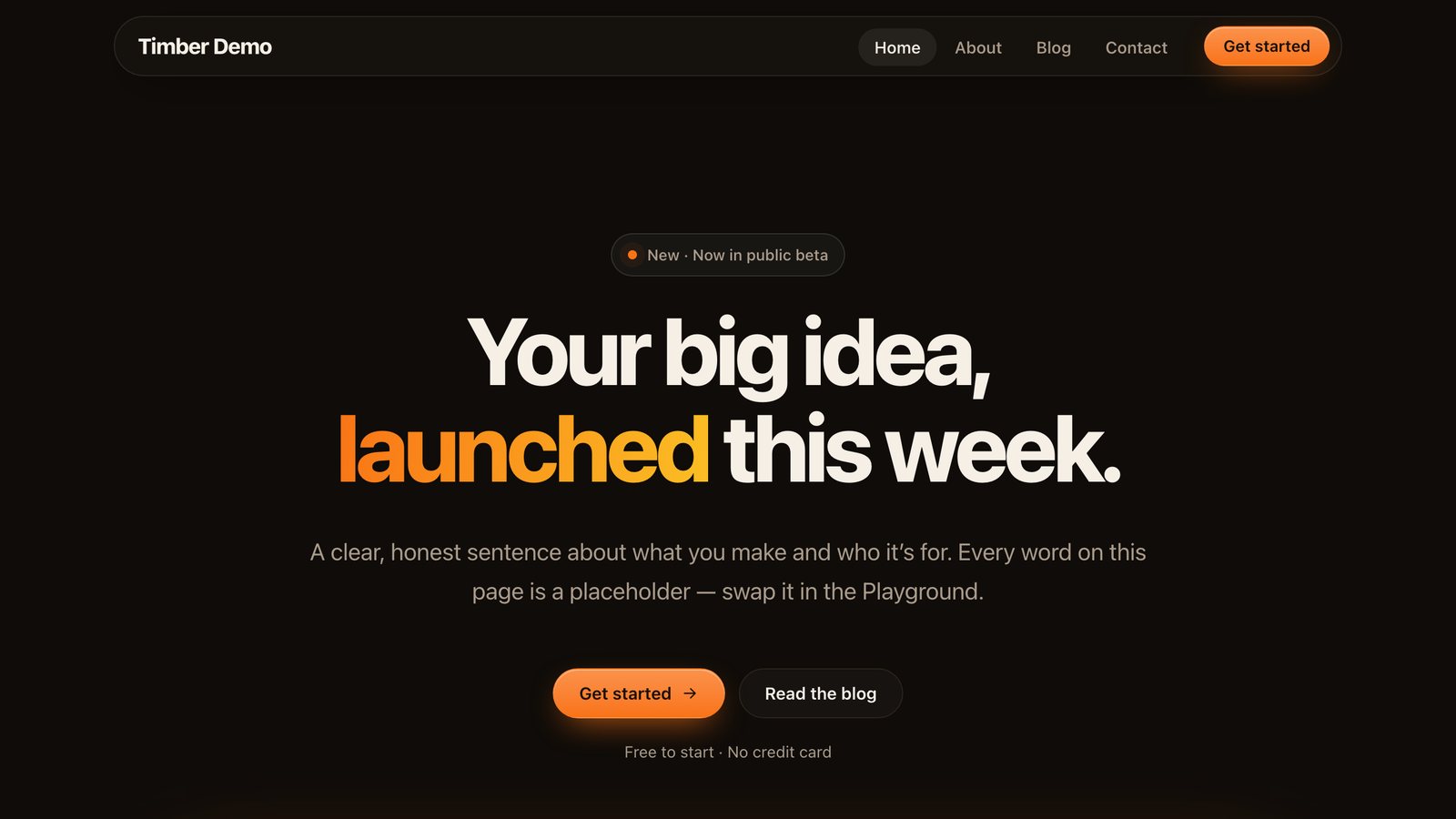
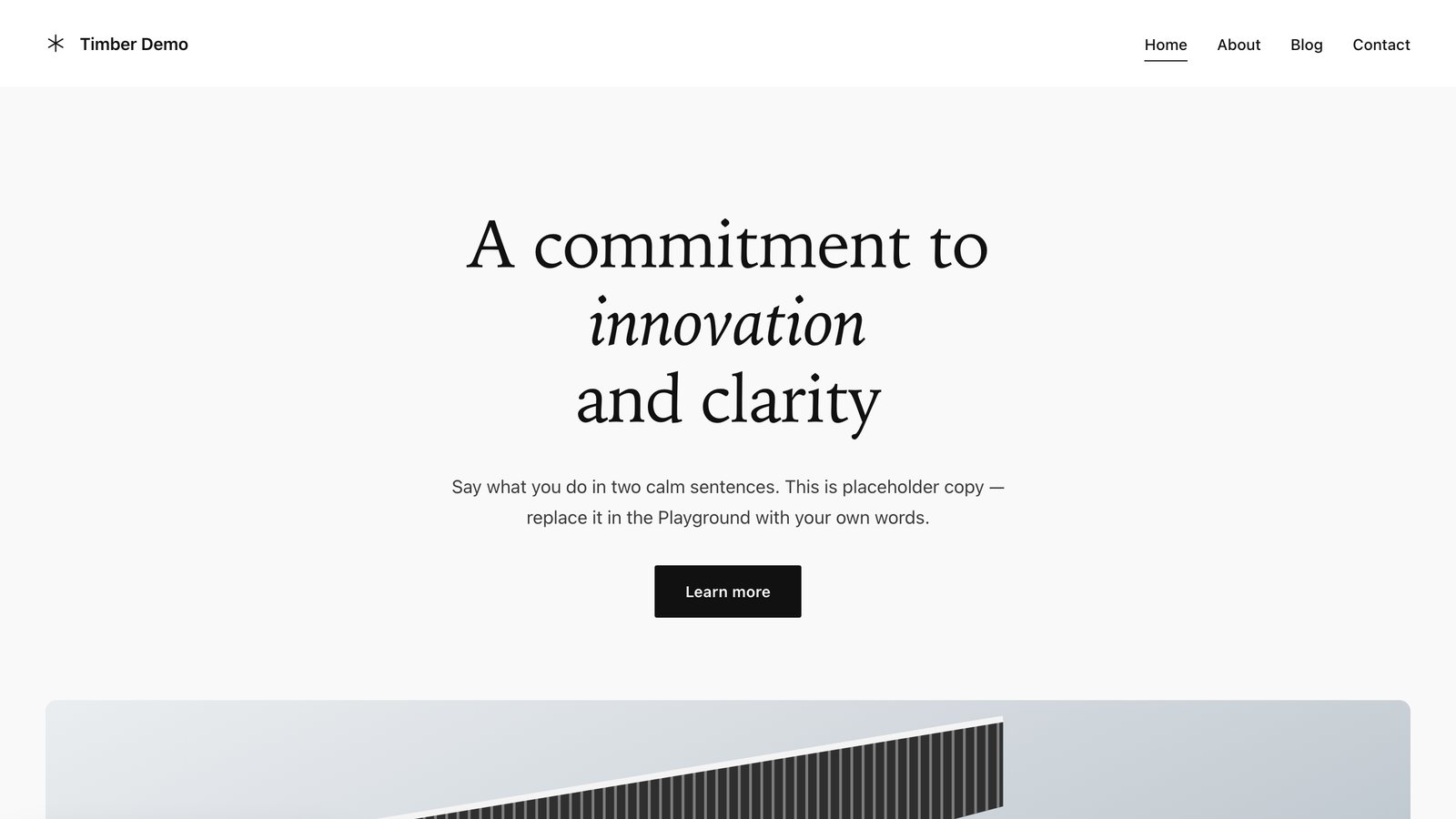
Built in, not bolted on
Designed to work together, so forms feed the inbox, the inbox feeds email, and SEO feeds the sitemap.
Four editors — Simple, HTML, Coder, Builder — plus drafts, scheduling and device previews.
Multi-step, conditional logic, file uploads, spam protection, autoresponders and webhooks.
Titles, Open Graph, JSON-LD, sitemap, robots, RSS and 301 redirects. No plugin.
Cookie banner with Google Consent Mode v2, consent log and a data-request form.
Administrators, editors who manage posts, and read-only viewers.
PHP mail, SMTP, Gmail or Brevo, with branded templates and a sent log.
Dropdowns, mega menus, reusable HTML, global CSS and custom headers and footers.
A media library, a file manager and a Monaco code editor — all in the browser.
A real admin
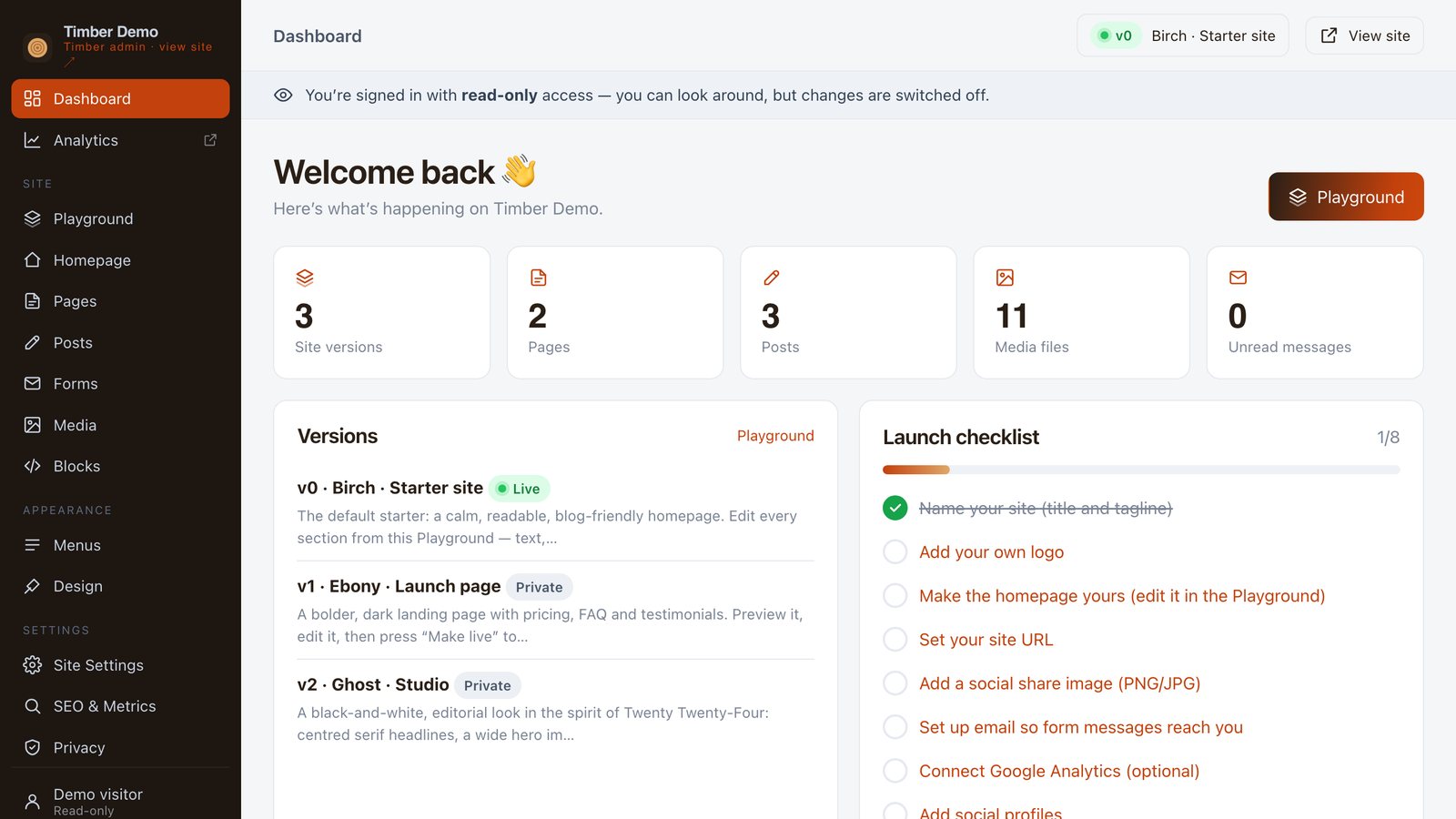
Every headline, image and section of your design is a field. Reorder by dragging, hide what you don't need, and watch phone, tablet and desktop previews update.
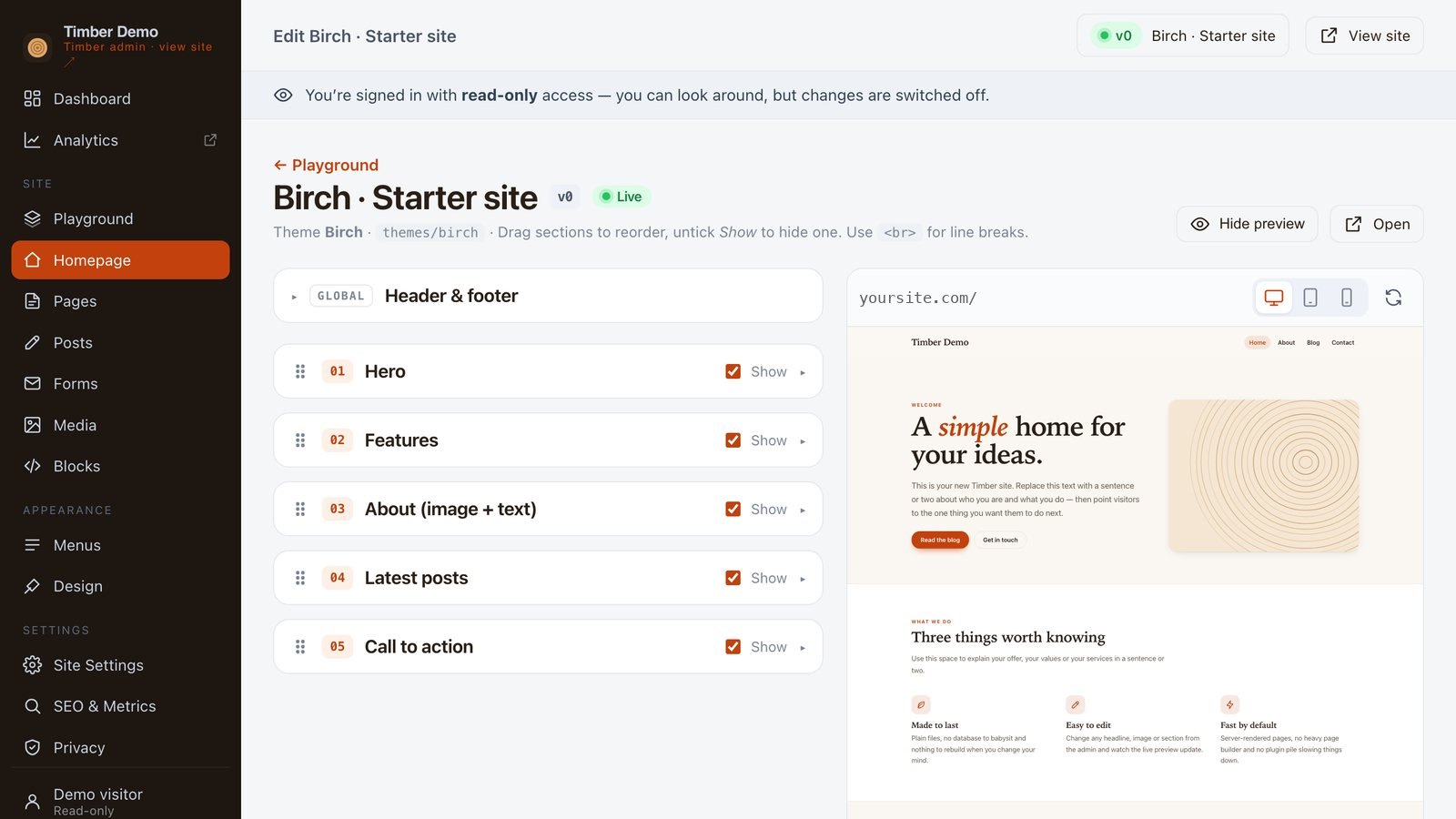
Coming from WordPress?
The built-in migrator wizard imports your export file and reads your old site's colours, fonts and logo to build a matching theme — as a private version, so nothing goes live until you say so.
Live demo
A running deployment with a read-only account. Click through the dashboard, the Playground, forms, SEO and settings — nothing can be changed, so poke at anything.
Password
read-the-docsRead-only role · try /demo/v/v1/ and /demo/v/v2/ for the other designs once signed in.
Content, design, settings, tools and users.
Writes and publishes posts and uploads media. Nothing else.
Sees the admin; every change is switched off. That's the demo login.
Ready?
Open source, free, and yours to host anywhere. The zip includes the app, three themes and the full documentation.
Requires PHP 8.1+. No database. See requirements · Why PHP in 2026?